Clone project using gh-cli
This section will guide you through how to set up when you’ve been invited to collaborate on a new project. As I mentioned in the previous section, I like to keep a folder structure to keep track of the repo owner, that is, who created and likely leads the project. If I have invited you to collaborate, you should make sure you have a folder like this ~/my_git/Michael.
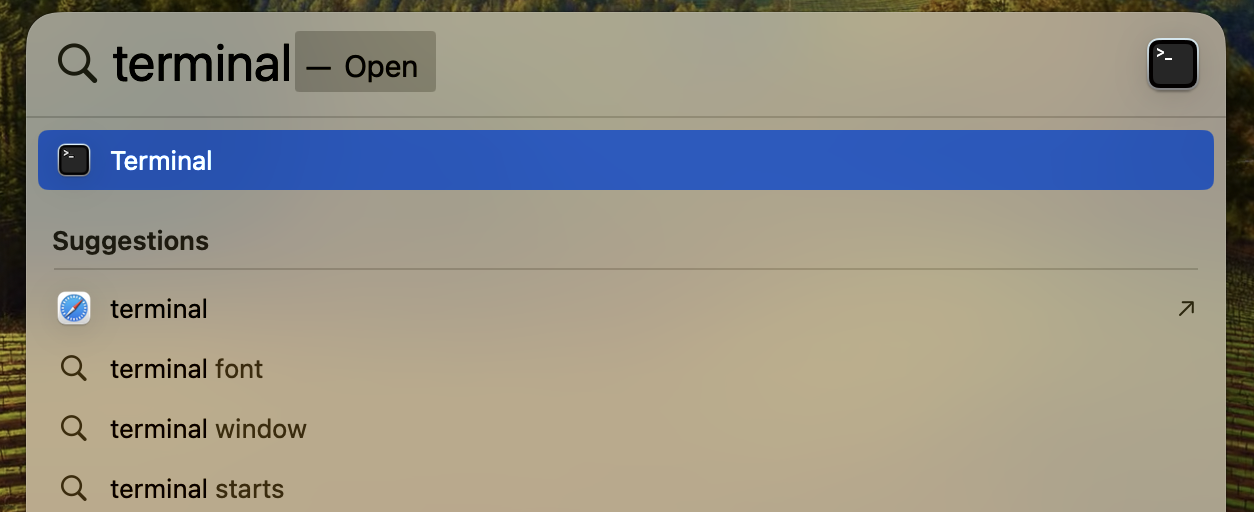
First, open your terminal using spotlight by pressing Command+SpaceCommand+Space and type in terminal.
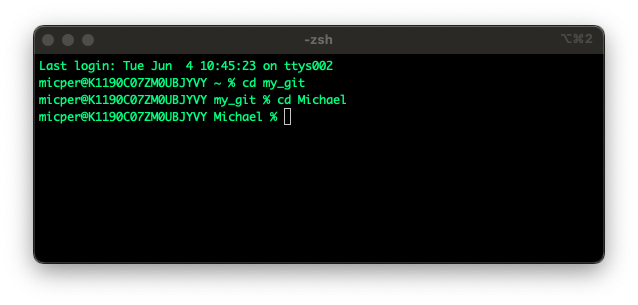
Type ls to confirm the my_git folder exists. If it does type cd my_git to go into it, otherwise first type mkdir my_git to create it. Once in the my_git folder, type ls again to see if the Michael folder exists, otherwise create it using mkdir and go into it using cd.
Now, we are going to clone to repository to our computer. If you already know the GitHub name and repo name that you have been invited to, you can type:
gh repo clone Username/repo_nameI often find myself not knowing either the username nor the repo name, so I list all repos I have access to using the repo-name alias we set up in the Setup Guide.
gh repo-namesOnce it has finished cloning, go into the repo_name folder and then open RStudio.
cd repo-name
open repo-name.RProj